
jQuery Href Preview
Open a preview of a webpage in an iframe.
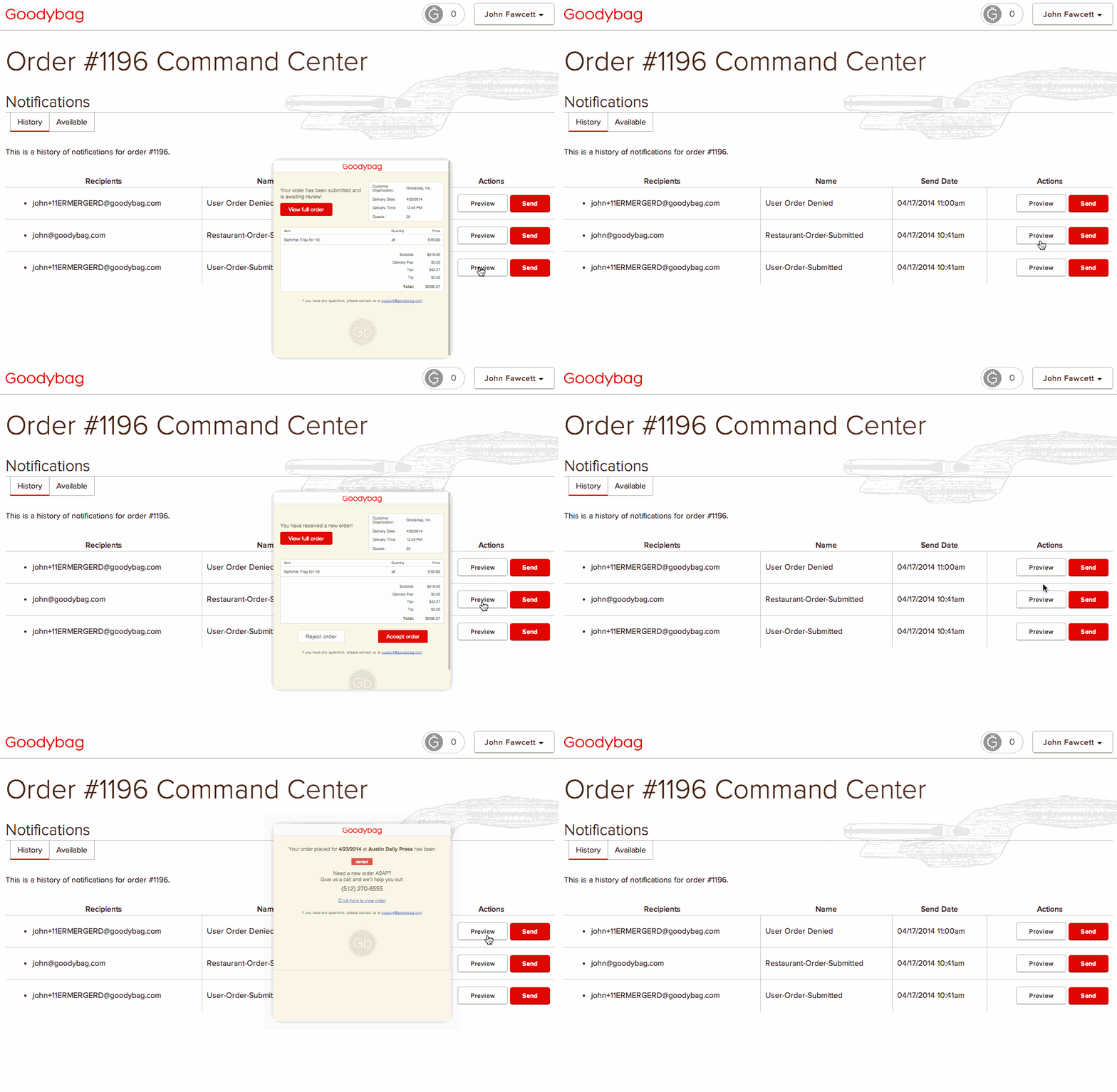
Install:
bower install jquery.preview
Usage:
$(function(){
  $('a').preview({
    width:        1024
  , height:       900
  , scaleFactor:  0.5
  });
});
Options and defaults:
{
  // Initial width of iframe before scaling
  width:        1024
  // Initial height of iframe before scaling
, height:       900
  // Factor to pass into the scale function
, scaleFactor:  0.5
  // Offset from the target element
, targetOffset: 12
  // Prefix of the iframe element ID
, idPrefix:     'iframe-preview-'
  // The event that shows the iframe
, triggerShow:  'mouseenter'
  // The event that hides the iframe
, triggerHide:  'mouseleave'
  // Classname of the iframe
, className:    'iframe-preview'
  // z-index of the iframe
, zIndex:       100
};
Styling
I suggest adding some CSS like this:
.iframe-preview {
  border: none;
  border-radius: 4px;
  box-shadow: 0 0 50px rgba( 0, 0, 0, 0.2 );
}
Caveats
This uses a CSS transform to scale the iframe. Obviously, IE<10 is not supported. This was hacked together pretty quickly to serve a single use-case, so it does not yet support declaring which side of the target element the iframe should appear. Right now, it is only to the left, though one could use a negative targetOffset whose value is equal to -targetElement.offset().width.
